
Melbet App offers a mobile betting interface for Android and iOS users in Bangladesh. The application combines cricket betting, football odds, live match statistics and account controls within a dedicated smartphone interface. Players can follow the Bangladesh Premier League, international cricket tournaments and football competitions through pre-match and live betting sections. The application also supports betting slips, transaction management and promotional account features. Download the available mobile version to access supported sports selections directly from a smartphone.
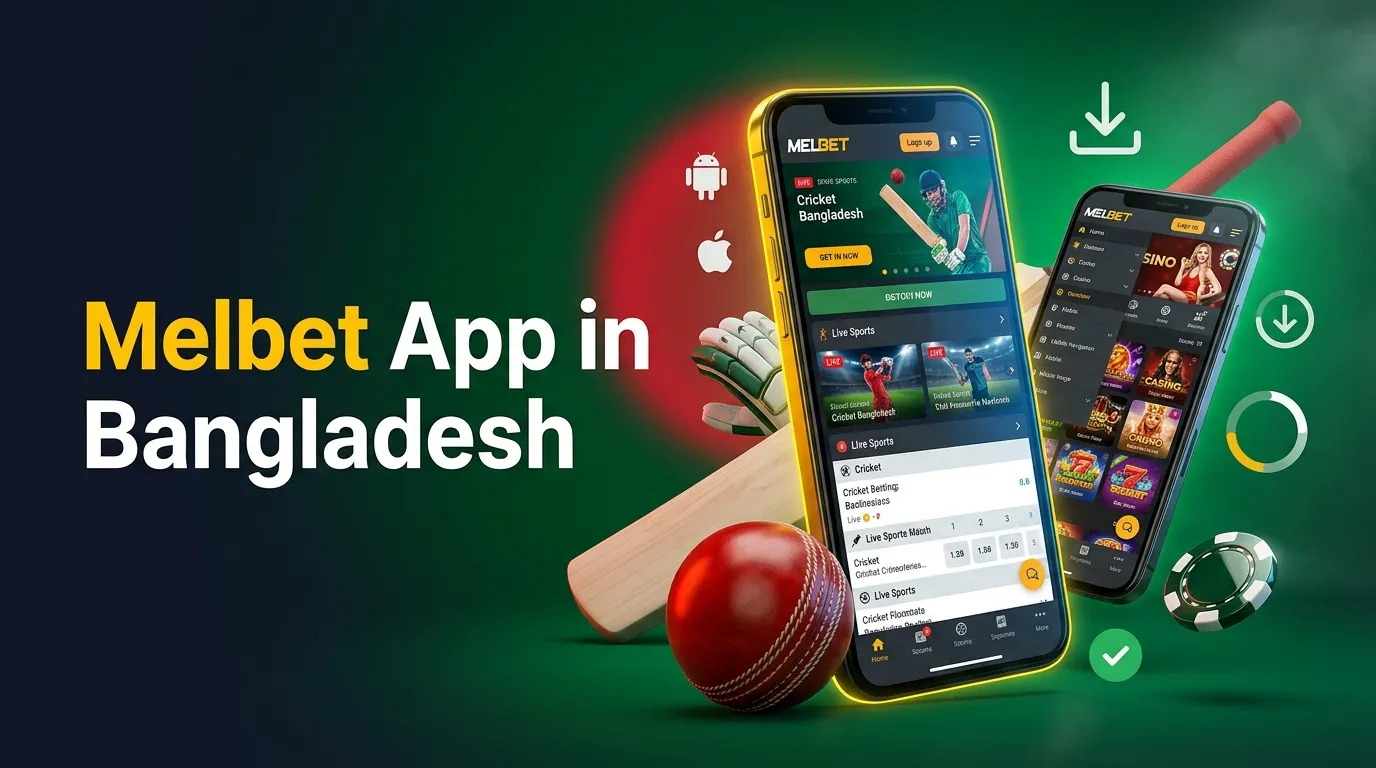
The application provides access to different betting sections through its main navigation menu. Players can browse sports categories, find upcoming matches and follow events with active odds.
Several functions support mobile betting:
| Feature | Function |
|---|---|
| Pre-match betting | Odds for upcoming matches and tournaments |
| Live betting | Selections available during active matches |
| Cricket betting | Domestic and international cricket competitions |
| Football betting | League matches and international tournaments |
| Bet slip | Selection management and stake entry |
| Match statistics | Scores and available event information |
| Cash Out | Early bet settlement for eligible selections |
| Live streaming | Video coverage for selected events |
| Account history | Previous bets and transaction records |
Available events and betting functions depend on the active sports schedule. Live odds change throughout matches, and individual selections can become temporarily unavailable.
Cricket is one of the central sports categories for Bangladesh players. The mobile application includes betting options for major international tournaments and domestic competitions.
Users can follow the Bangladesh Premier League, Indian Premier League, ICC Cricket World Cup and T20 tournaments. The cricket section displays upcoming fixtures, available odds and live match information.
Pre-match betting allows players to check odds for scheduled fixtures. Available selections depend on the tournament and the match.
Common cricket betting options include:
Each selection displays its associated odds. Players can add available outcomes to a betting slip and check the potential return before confirmation.
Live cricket betting provides access to active matches through the application. The sports section displays changing odds and available statistics throughout supported fixtures.
Players can follow scores, check available selections and review the current state of a match. Odds can change after wickets, runs or other match developments.
The application also provides access to a betting slip during live events. Submitted bets remain subject to the displayed odds and acceptance conditions.
Football is another major category available through the mobile application. Users can access domestic leagues, European competitions and international tournaments.
Supported competitions can include the English Premier League, UEFA Champions League and major international football fixtures. The available schedule changes throughout the season.
The football section includes several common betting options. Each match can have a different selection of available markets.
| Market | Description |
|---|---|
| 1X2 | Home win, draw or away win |
| Total goals | Over or under a specified goal total |
| Both teams to score | Goals from both competing teams |
| Asian handicap | Outcome adjusted by a goal handicap |
| Corners | Selected corner-related outcomes |
| Cards | Available disciplinary selections |
| Outright winner | Tournament or league champion |
The application displays pre-match odds alongside available live selections. Players can compare outcomes within the same match and manage their chosen selections through the betting slip.
Match information can include current scores, match time and available event statistics. These details support navigation through the live betting section.
Statistics can differ between competitions. Major tournaments generally provide broader match data than smaller events with limited coverage.
The application also includes betting sections beyond cricket and football. These categories provide additional pre-match and live selections across different competitions.
Tennis selections cover individual matches and tournament outcomes. Players can access competitions such as Grand Slam tournaments and other scheduled events.
Common markets include match winner, set winner, total games and outright tournament winner. Live betting options can appear during supported matches.
Basketball betting includes professional leagues and international competitions. The application can display NBA fixtures and other major basketball tournaments.
Available selections include match winner, point totals, handicaps and quarter outcomes. The live section provides updated odds during active events.
The esports section provides betting options for competitive video game tournaments. Available disciplines can include Counter-Strike, Dota 2 and League of Legends.
Players can browse upcoming fixtures and active competitions. Event coverage and available live betting options depend on the tournament.
The live betting section provides an interface for selecting outcomes during ongoing matches. Available odds update according to changes in the event and the betting market.
The betting slip collects selected outcomes and displays the stake entry field. Players can review their choices before submitting a bet.
The application provides a direct process for preparing and submitting a sports bet. The same basic controls apply to supported cricket, football and other sports selections.
The displayed return is calculated from the selected odds and stake. Actual settlement follows the applicable betting rules and final event results.
The betting slip supports different bet structures. A single bet uses one selection, while an accumulator combines multiple outcomes.
An accumulator requires every included selection to satisfy its settlement conditions for the combined bet to win. The application displays the combined odds and the calculated potential return.
System bets can also appear among the available betting types. The supported combinations depend on the selections and account options.
Cash Out provides an option for early settlement on eligible bets. The available amount can change according to the event and current odds.
The My Bets section displays open and settled bets, including selection details and recorded stakes. Cash Out availability is not guaranteed for every market or event.
The mobile application can provide video coverage for selected sports events. Supported streams appear alongside the associated match information.
Video availability depends on event coverage and streaming rights. A stable internet connection helps maintain playback quality and supports access to updated betting data.
Live streaming and live betting remain separate functions. A match can offer betting markets without an available video stream.
The application is available through different installation procedures for Android and iOS. Players can select the relevant download option according to their device.
Android uses an APK installation package, while iOS follows its own application distribution process. The current installation instructions indicate the available version.
Android users can download an APK through the official website. The process requires permission to install an application from the selected download source.
Check the available storage and Android compatibility requirements prior to installation. A newer APK release can contain security and performance updates.
iPhone and iPad users can check the available iOS download option through the mobile website. Installation support depends on the active release and device compatibility.
Users without an available native installation option can access supported services through the mobile browser.
The mobile application includes registration and login controls for account access. New users can choose from the registration methods currently displayed.
The form can include mobile number, email or one-click registration. Additional identity confirmation can apply to account functions and withdrawals.
New users can begin registration directly from the application home screen. The form displays the personal details and confirmations required for the selected method.
Existing users can open the login form and provide their account credentials. The profile remains connected to the registered account across supported devices.
The password recovery function provides instructions for restoring access. Additional authentication can apply to accounts with enabled security verification.
The application provides access to promotional information through the account interface. Eligible Bangladesh users can check the available welcome bonus and ongoing sports offers.
A first-deposit promotion can include bonus funds subject to specific requirements. Eligible bets, deposit limits, minimum odds and qualifying turnover determine the applicable conditions.
The bonus section contains the terms for an available welcome offer. The stated promotion can depend on account eligibility and the deposit method.
Important conditions include:
Players can also check the registration and deposit screens for an applicable promotional code field. Bonus availability and individual conditions can change between offers.
Ongoing promotions can include cashback, accumulator-related offers and other sports rewards. Each promotion has its own eligibility requirements.
Cashback is not an automatic refund for every losing bet. The promotional terms determine qualifying events, maximum amounts and settlement rules.
The application includes a cashier section for deposits and withdrawal requests. Bangladesh accounts can display payment services available for transactions in BDT.
Available payment methods can include Nagad, AstroPay, MoneyGo and Mastercard. The actual selection depends on the account and active payment options.
The deposit menu allows players to choose an available payment service and enter an amount. The cashier displays relevant transaction instructions.
The withdrawal section displays available methods and account requirements. Identity verification can be necessary for processing a request.
The time required for a transaction depends on payment processing and account verification.
The mobile application includes account protection features and authentication controls. Security also depends on device settings, application updates and careful handling of login details.
Users should obtain installation packages through the official download section. Android devices can also scan downloaded APK files through their security tools.
Password protection and additional authentication can help restrict unauthorised account access. The application can require extra verification for sensitive operations.
Keep passwords private, review unexpected login requests and use account recovery through the supported channels. Shared devices require particular attention to saved login details.
Application errors can result from limited storage, unstable connections or outdated software. Several device checks can help identify common problems.
| Problem | Recommended action |
|---|---|
| Application does not open | Restart the phone and check the installed version |
| Slow loading | Test the internet connection and close unused applications |
| APK installation fails | Check storage and installation permissions |
| Login fails | Verify credentials and use account recovery |
| Live section does not load | Switch connections and reopen the section |
| Application closes unexpectedly | Update the software and clear temporary data |
Persistent account or technical problems can be reported through the available support channels.
The application offers direct access to cricket and other sports betting functions. Its practical value depends on device performance, connection quality and the availability of supported events.
| Advantages | Limitations |
|---|---|
| Mobile access to cricket competitions | Event coverage varies by tournament |
| Pre-match and live betting sections | Odds can change during live events |
| Integrated bet slip and account controls | Stable internet access is required |
| Available Cash Out function | Cash Out is limited to eligible bets |
| Mobile transaction management | Payment methods depend on account settings |
| Dedicated Android and iOS options | Installation support varies by device |